> ## Documentation Index
> Fetch the complete documentation index at: https://docs.retasc.com/llms.txt
> Use this file to discover all available pages before exploring further.
# Onboarding: creating an org in terminal or browser
> Retasc setup takes you from creating an organization to connecting an agent and inviting your team. You can use the terminal or web Dash.
For whoever is standing this up: creating the org, maybe bringing a tracker across,
and becoming its owner.
**Was someone invited?** They want [Onboarding: joining a
team](/onboarding-member) instead, a shorter, different page. Running through this
one creates a **new** org, which lands their work in the wrong place.
Two ways to get here, the terminal or the browser. Pick whichever you already live in;
both end at the same place, an agent pulling from your queue.
## Terminal track
Never opens a browser, except to approve sign-in.
One command walks through everything: sign in, create the org, say where your work
comes from, connect the folder.
```bash theme={"system"}
npx @retasc/cli bind
```
Choose GitHub or Google:
```
How do you sign in to Retasc?
1) GitHub
2) Google
Choose a number: 2
Open: https://www.google.com/device
Enter code: FKDL-XMWZ
Waiting for Google authorization…
```
It remembers which one you picked next time.
Silent the first time. If the folder is already bound to another org, it asks
before switching it:
```
This folder is already bound to org "Acme" / project ACME.
Replace it? [y/N]
```
Type a name:
```
New org name: Northwind
✓ Created org "Northwind".
```
Pick a tracker to bring across, or start fresh:
```
Where does your work come from?:
1) Jira
2) Linear
3) ClickUp
4) Asana
5) Shortcut
6) Start from scratch (name a project; your agents file into it)
Choose a number: 3
```
Picking a tracker asks for an API token (used once, never stored), the list or
team to pull, and then walks every source status: press Enter to accept the
suggested mapping, or a number to override. Confirm, and it imports with a
progress bar. If the migration carried people across, it then asks which one is
you.
```
Install the retasc command on this machine?
1) Yes, globally A `retasc` command you can use anywhere.
2) No, run it on demand Nothing installed, fetched fresh each run.
Choose a number [1]:
```
Nothing to type. It mints the key and wires the folder:
```
✓ Minted key for this workspace (rtsc_k_9fA2b3…).
✓ This folder is bound to org "Northwind" / project ENG.
Agents launched here can only ever read or write ENG.
Start your agent in this folder, or restart it if it's already open,
and it'll pull from the queue.
```
**Paying is browser-only.** `retasc billing` shows your balance and what you've
been charged, but there's no checkout in the CLI. Not a setup blocker,
signup credit covers the first org, but worth knowing before you hit it.
## Web track
Never opens a terminal. Filesystem work still has to happen somewhere, a browser
can't write a config file to your machine, so the one step that needs it hands you a
prompt to paste to your own agent, and the agent does it. You never see a raw command.
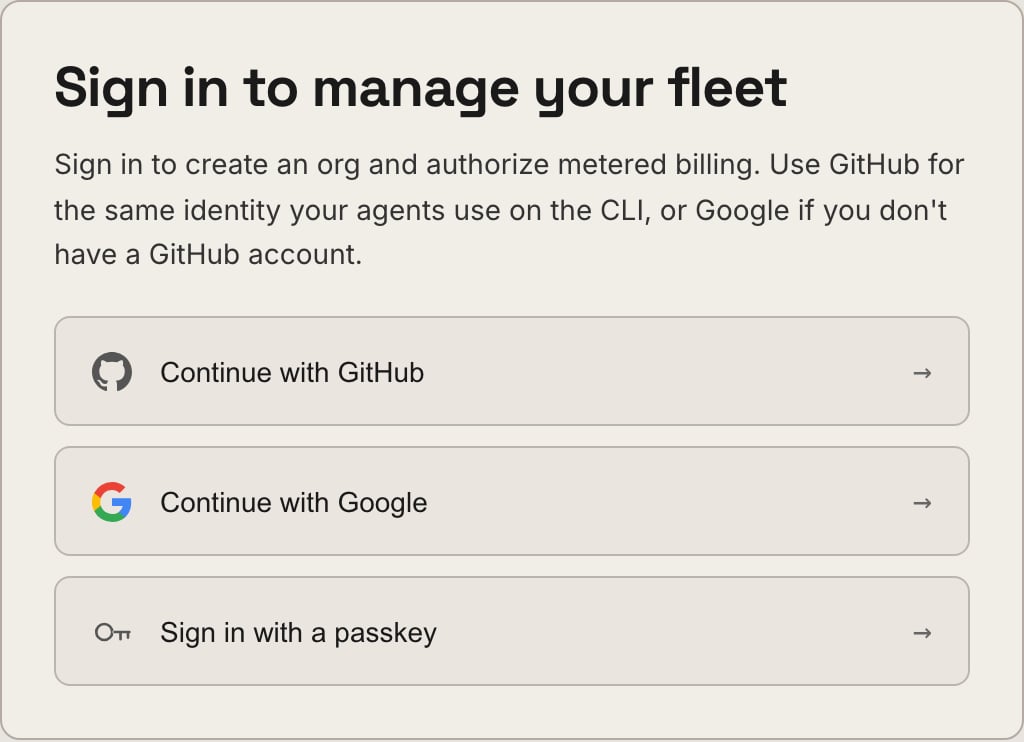
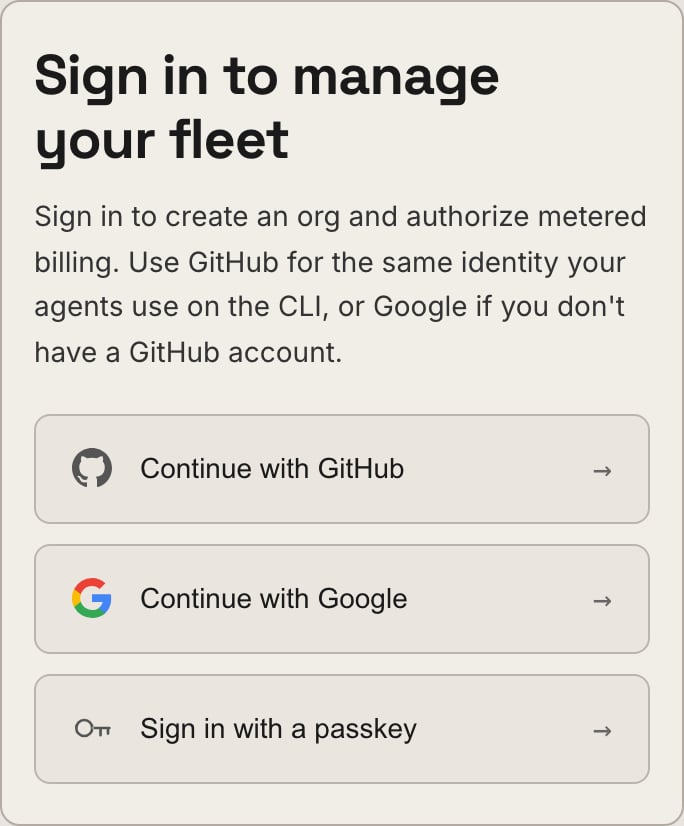
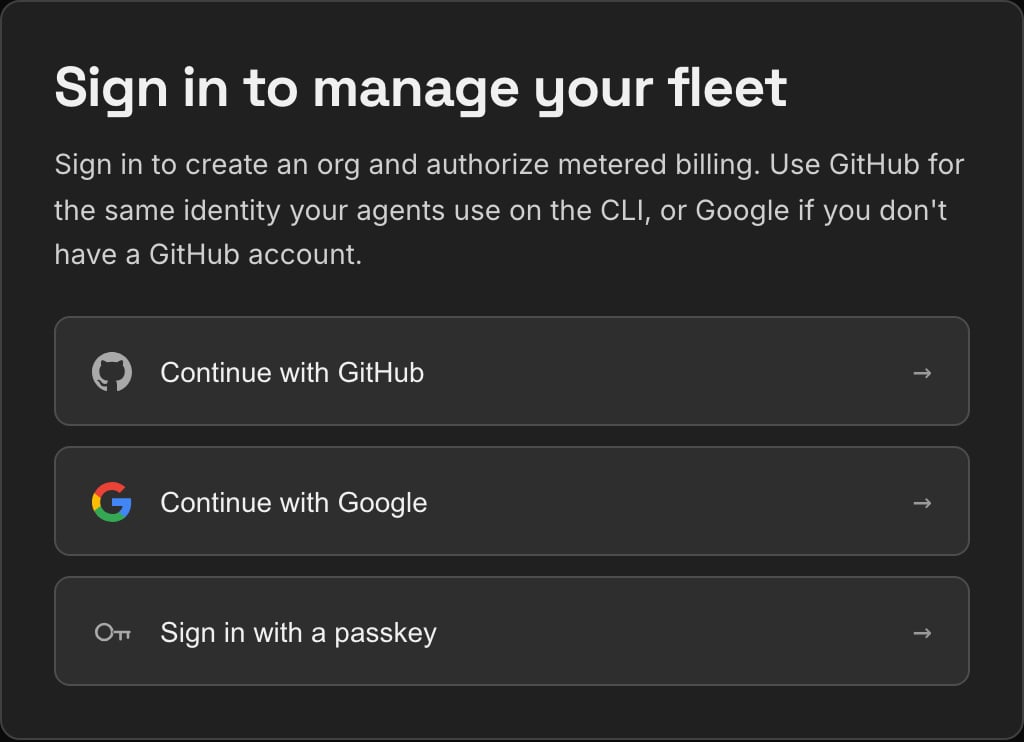
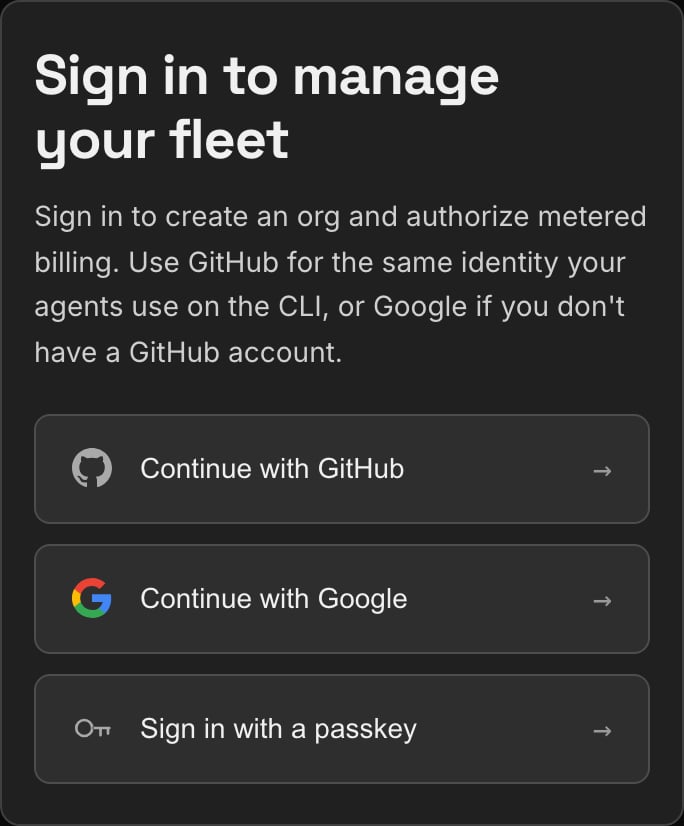
Go to [dash.retasc.com](https://dash.retasc.com) and choose **Continue with
GitHub** or **Continue with Google**. It remembers which one you used.
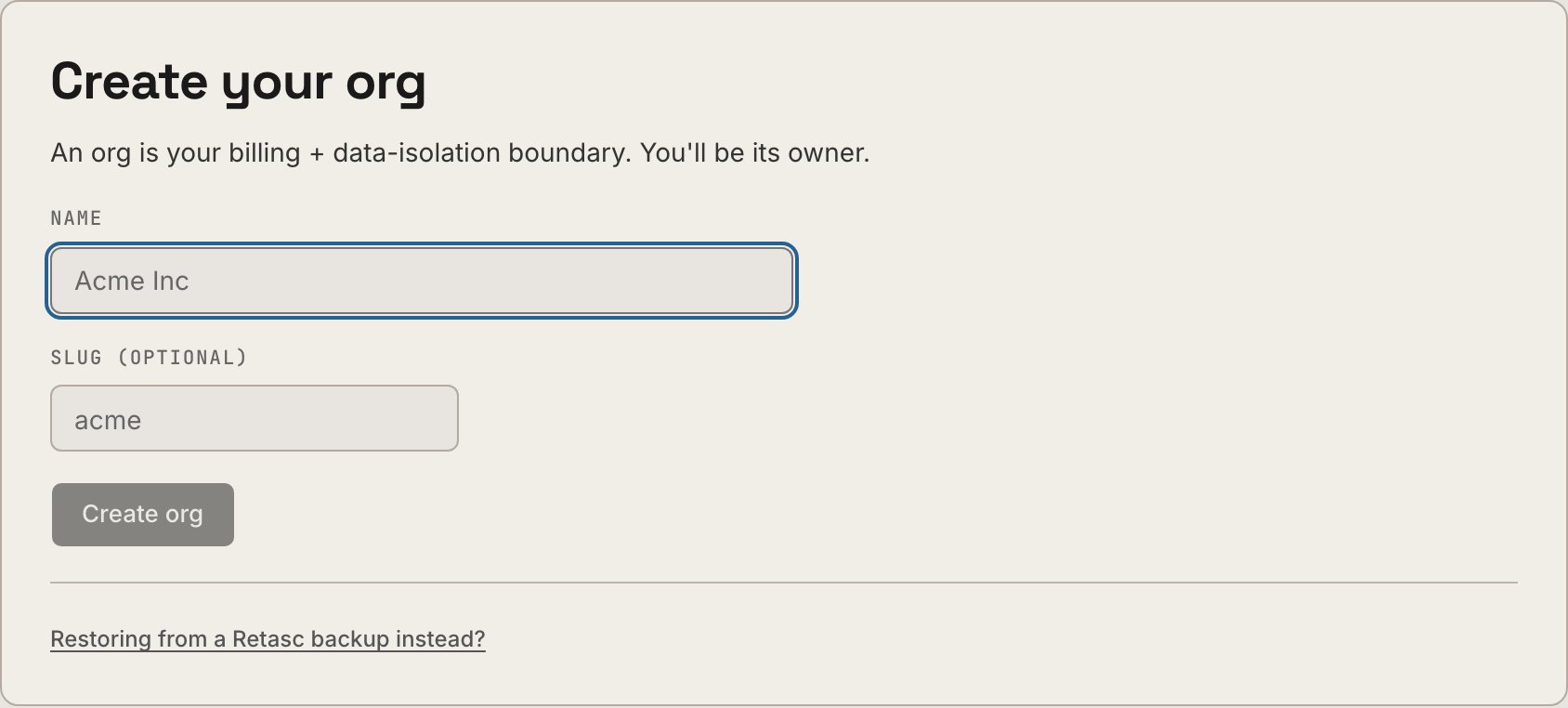
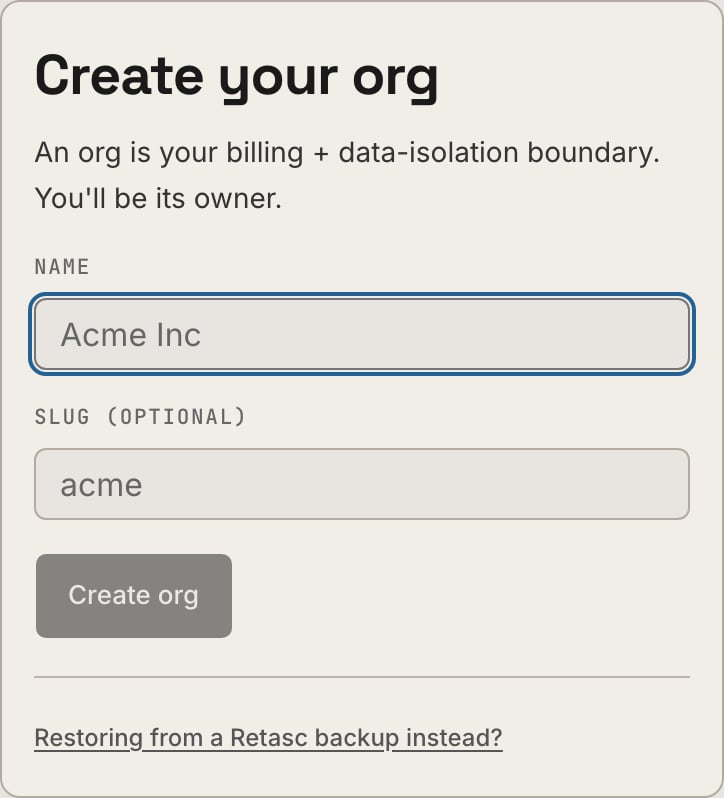
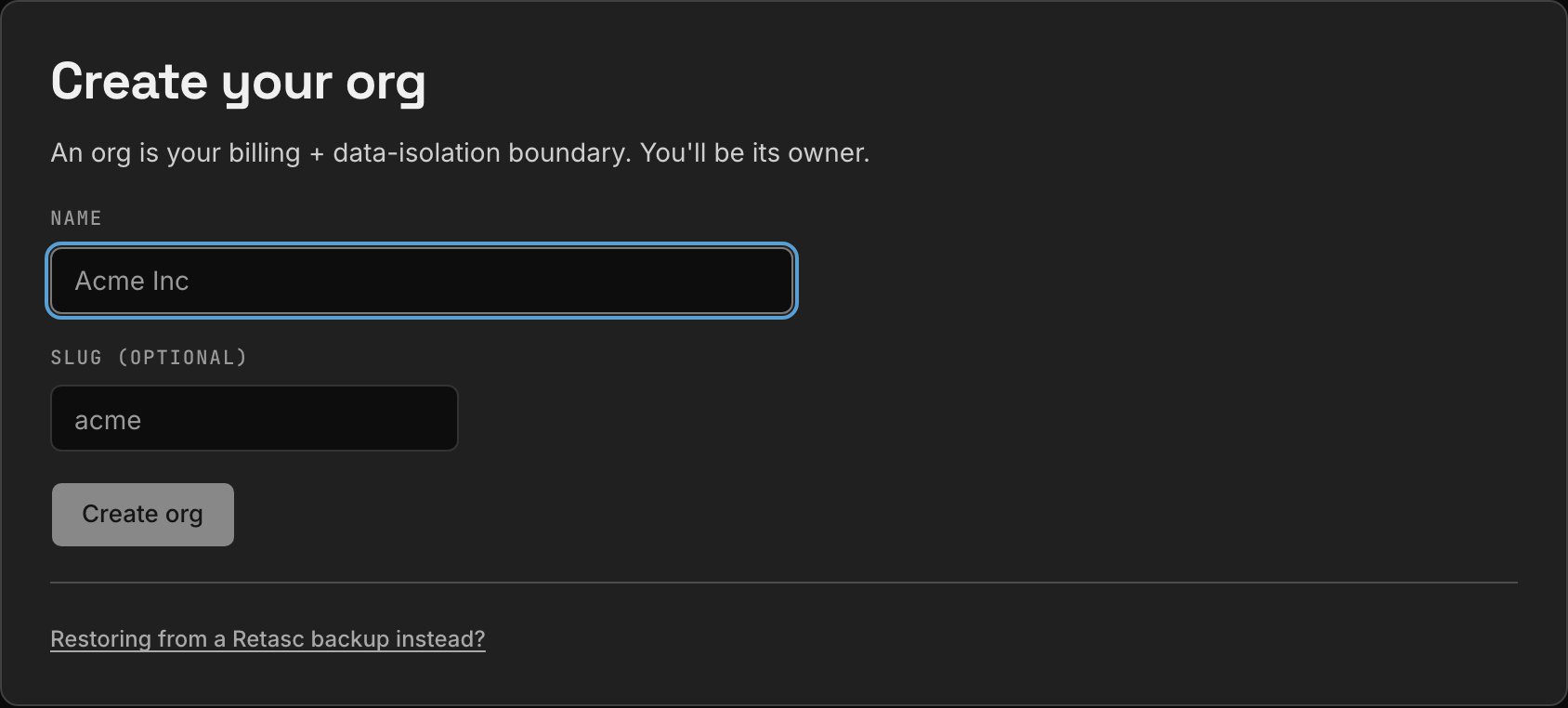
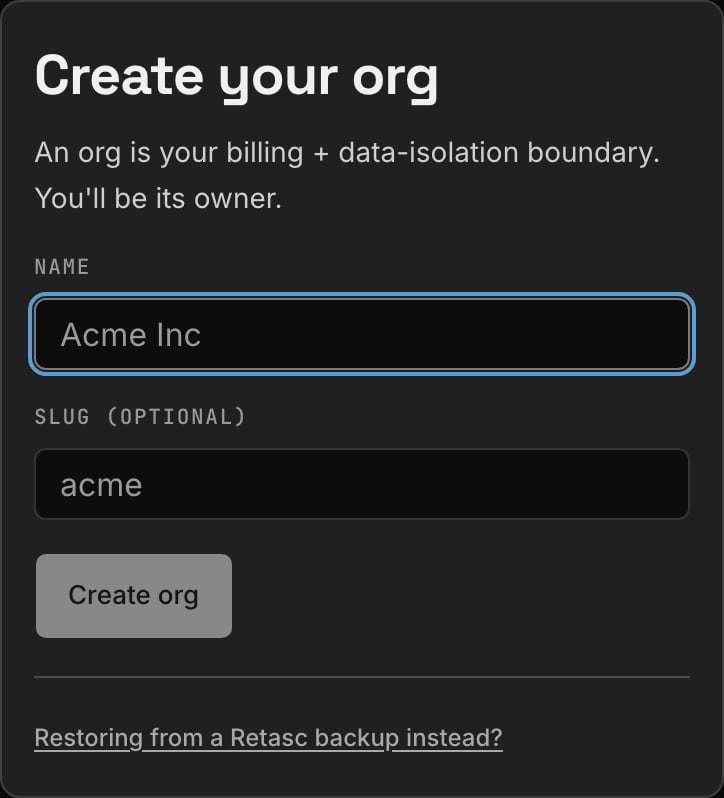
 Name your organization. You're its owner.
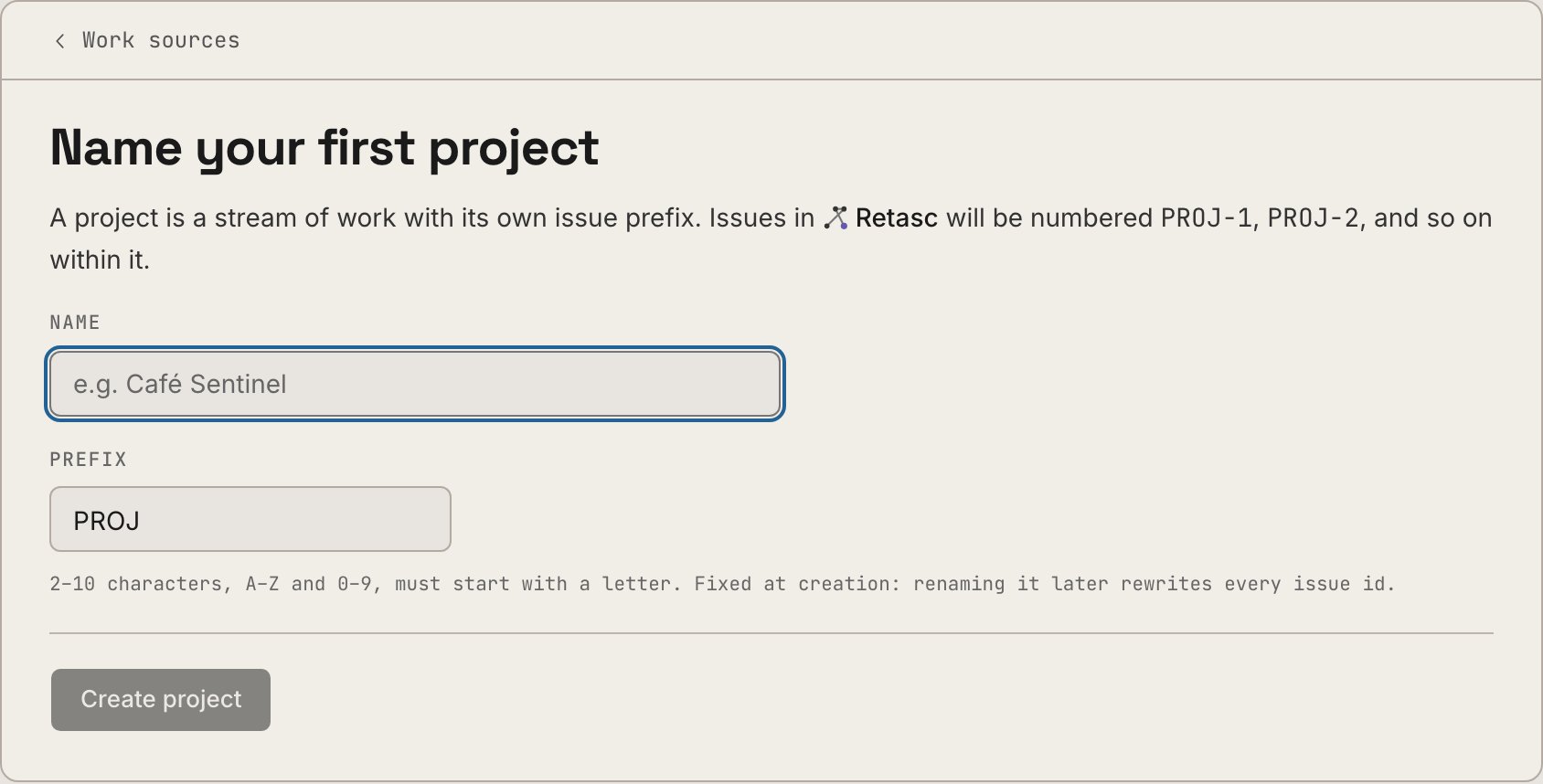
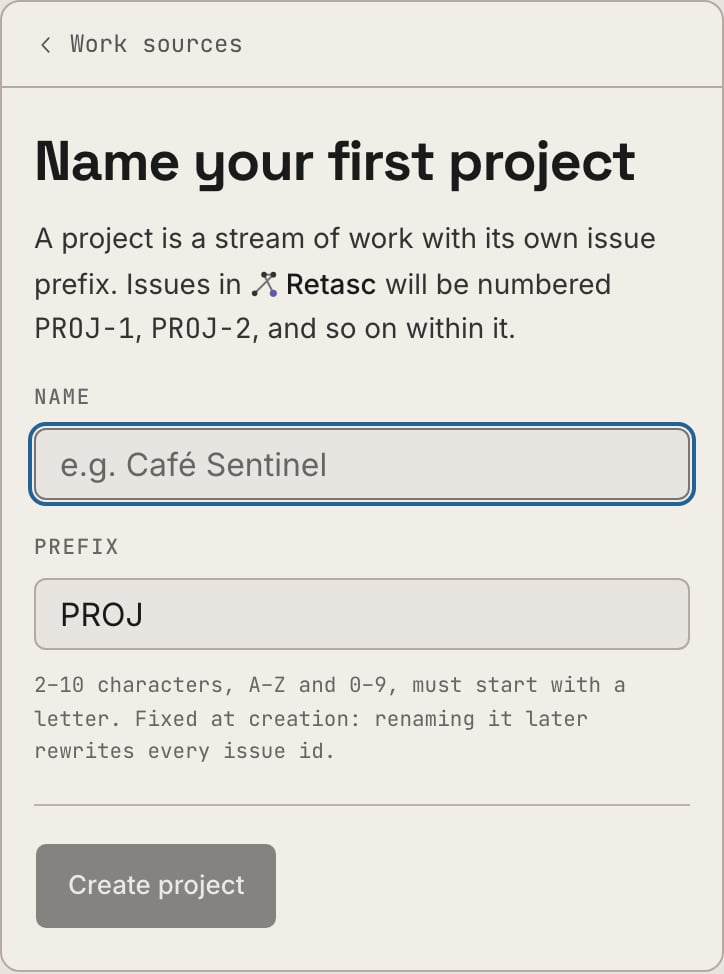
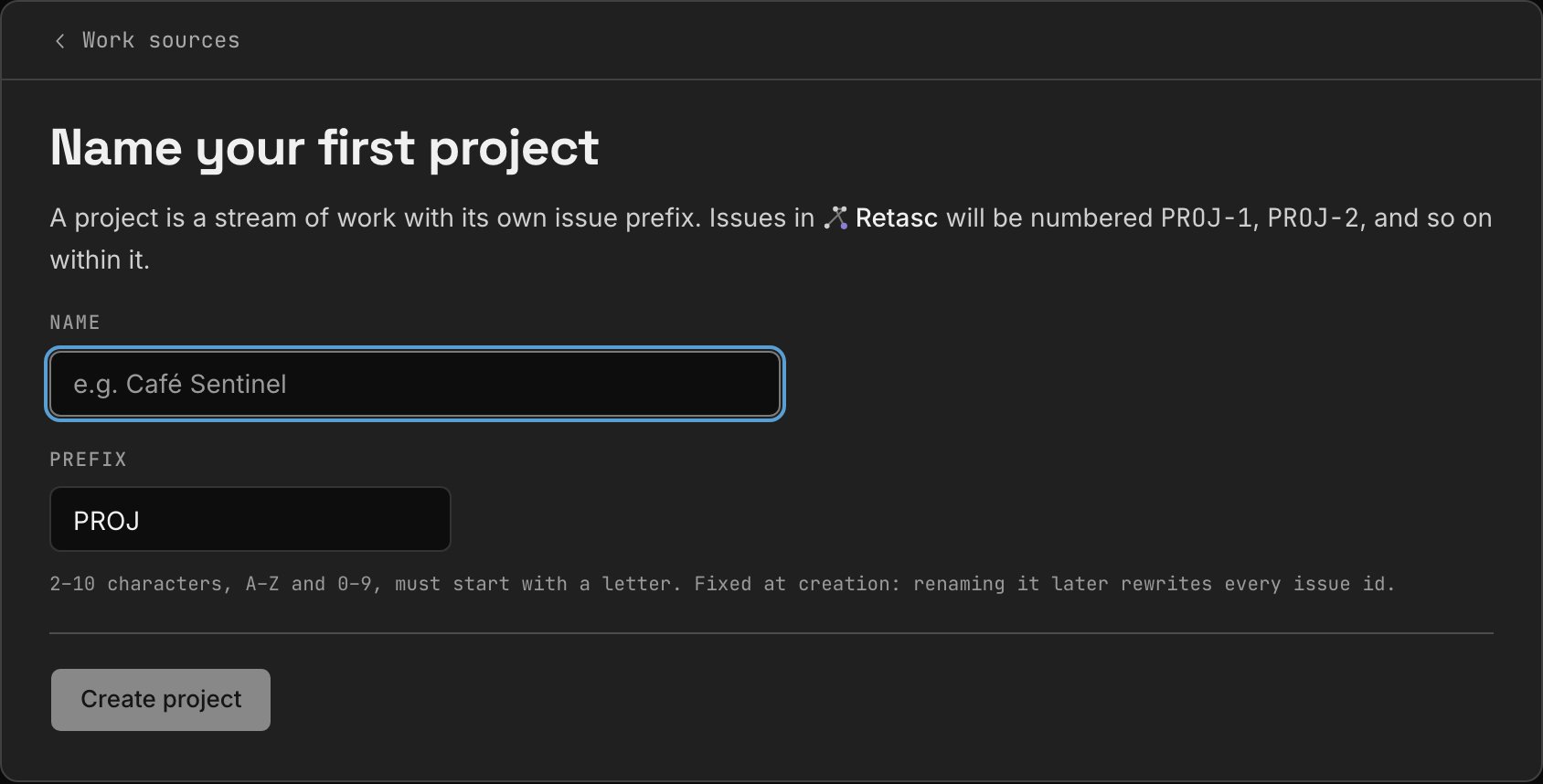
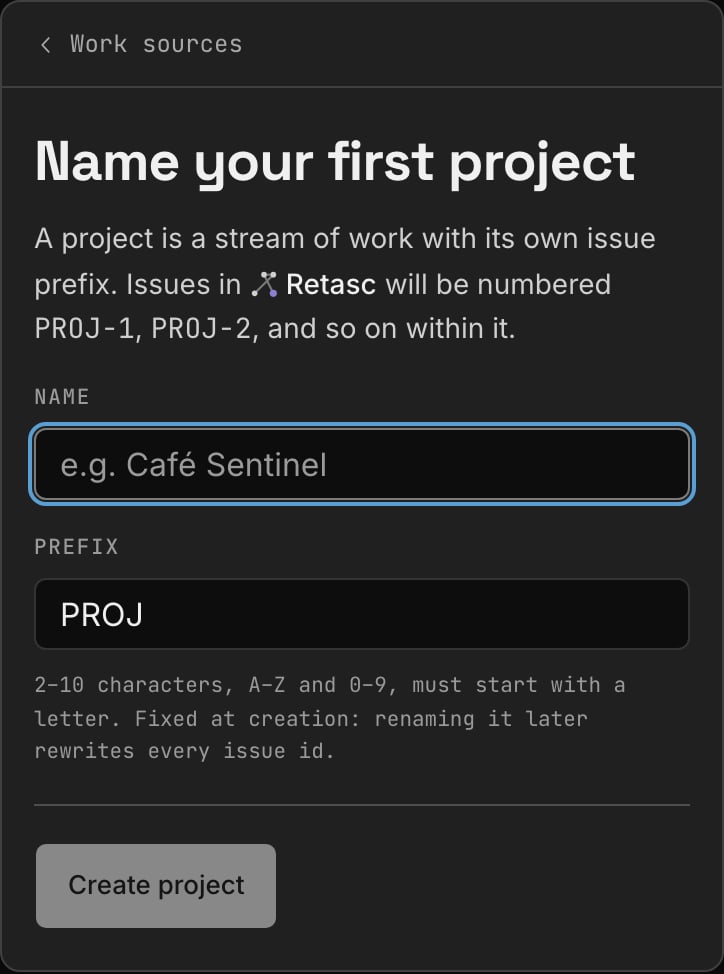
 Bring Linear, Jira, ClickUp, Asana or Shortcut across, or create an empty
project.
Bring Linear, Jira, ClickUp, Asana or Shortcut across, or create an empty
project.
 Say what each column means, and who reviews the ones awaiting sign-off. Skipped
if you started fresh.
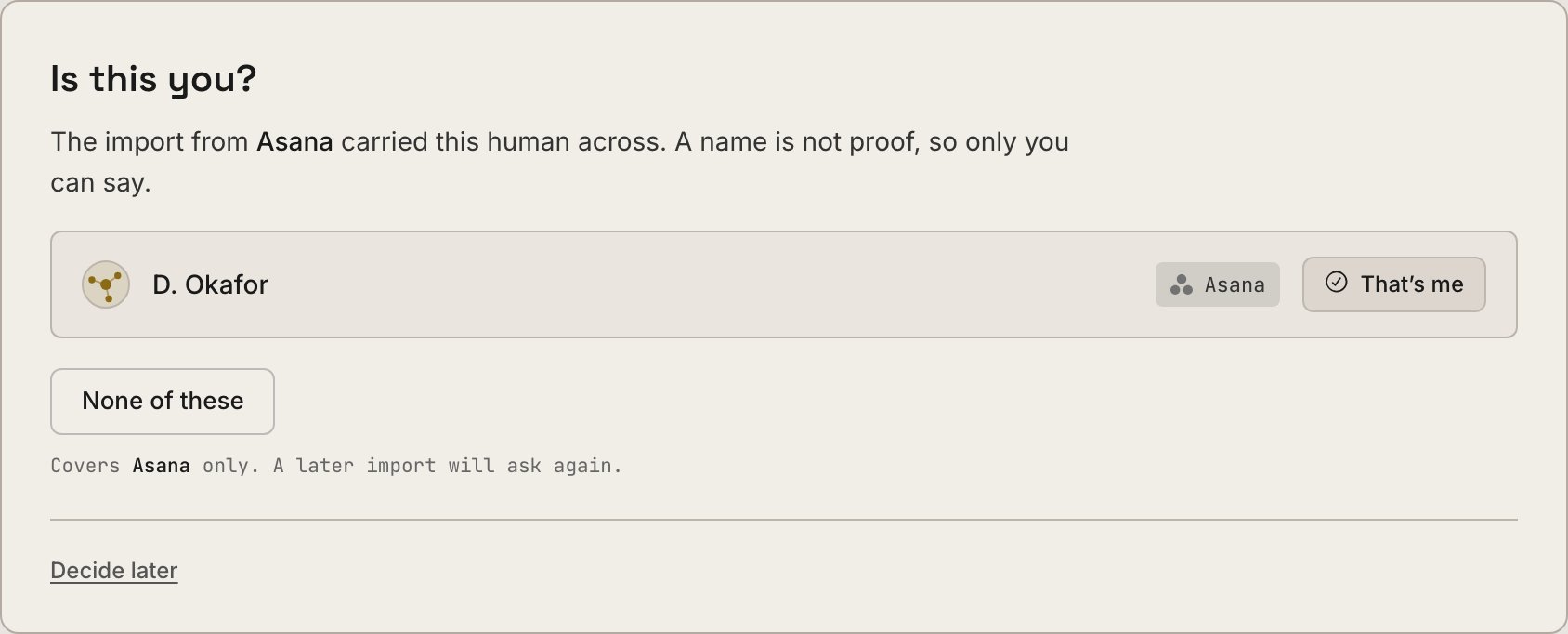
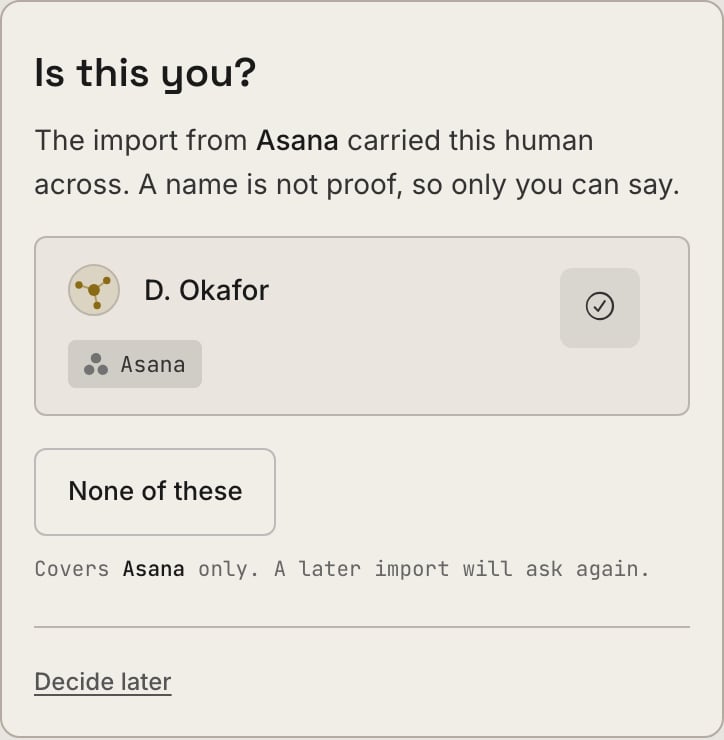
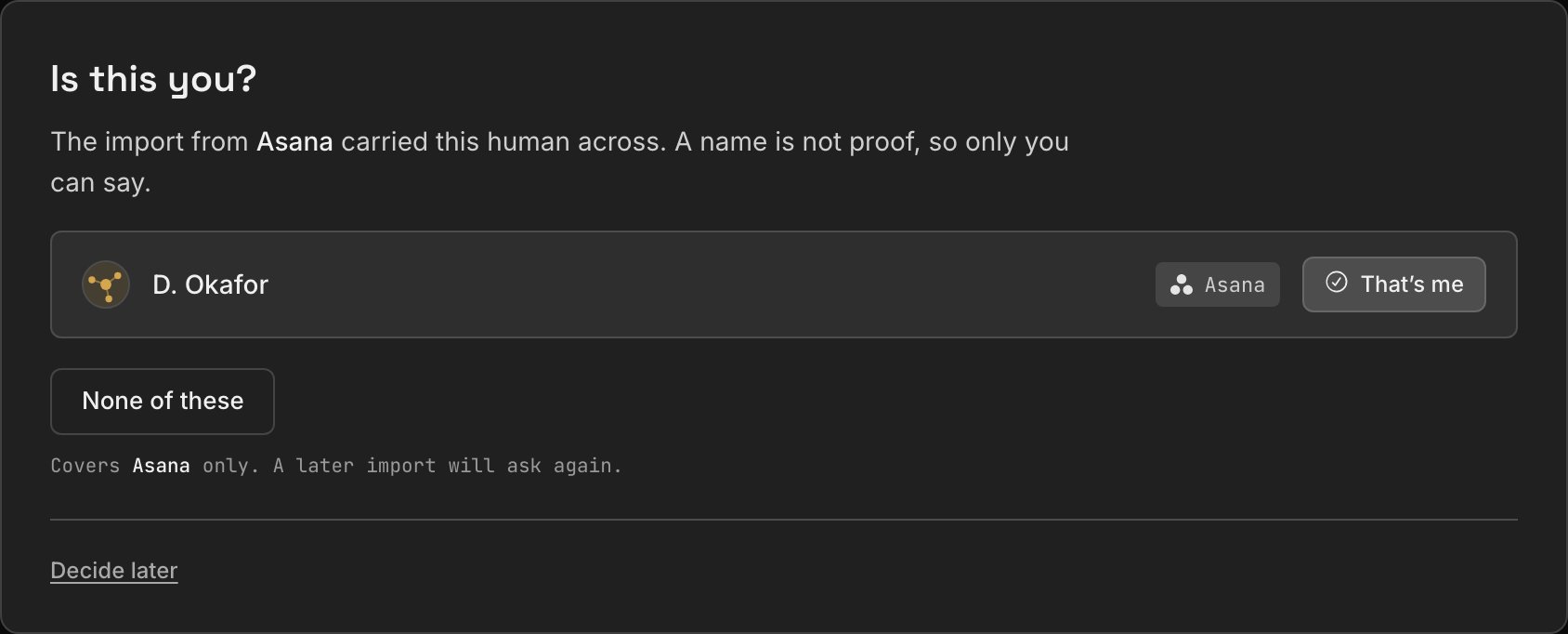
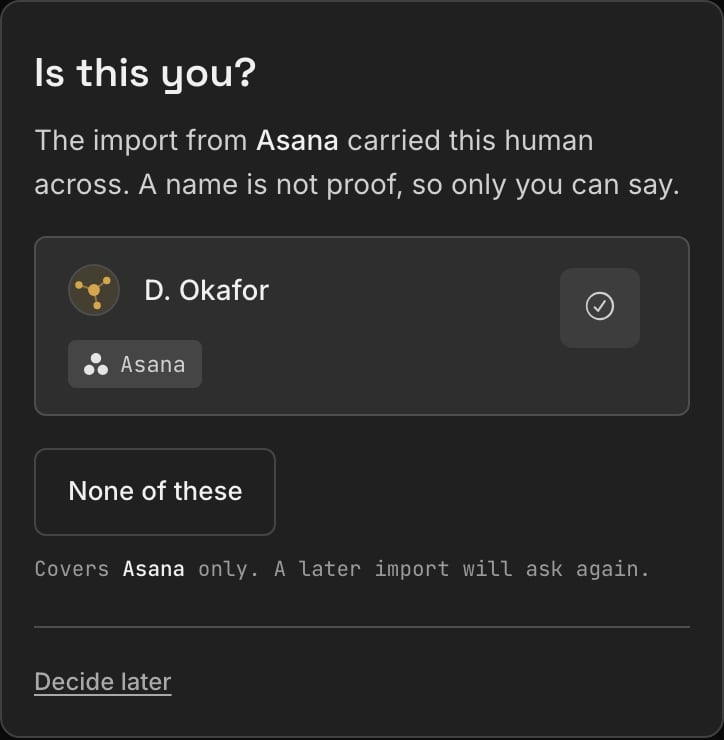
If a migration carried your work across, say which name is you. Skipped if you
started fresh.
Say what each column means, and who reviews the ones awaiting sign-off. Skipped
if you started fresh.
If a migration carried your work across, say which name is you. Skipped if you
started fresh.
 The one non-click step, below.
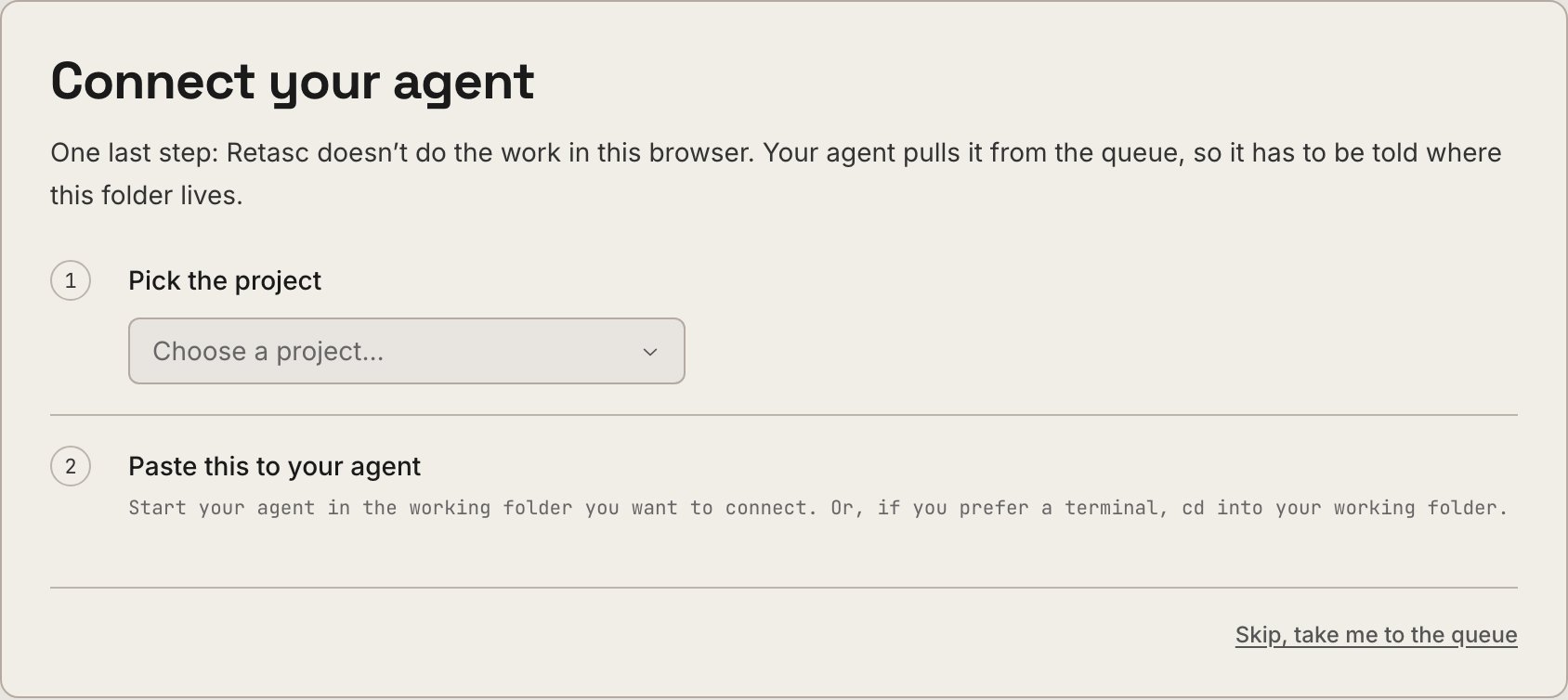
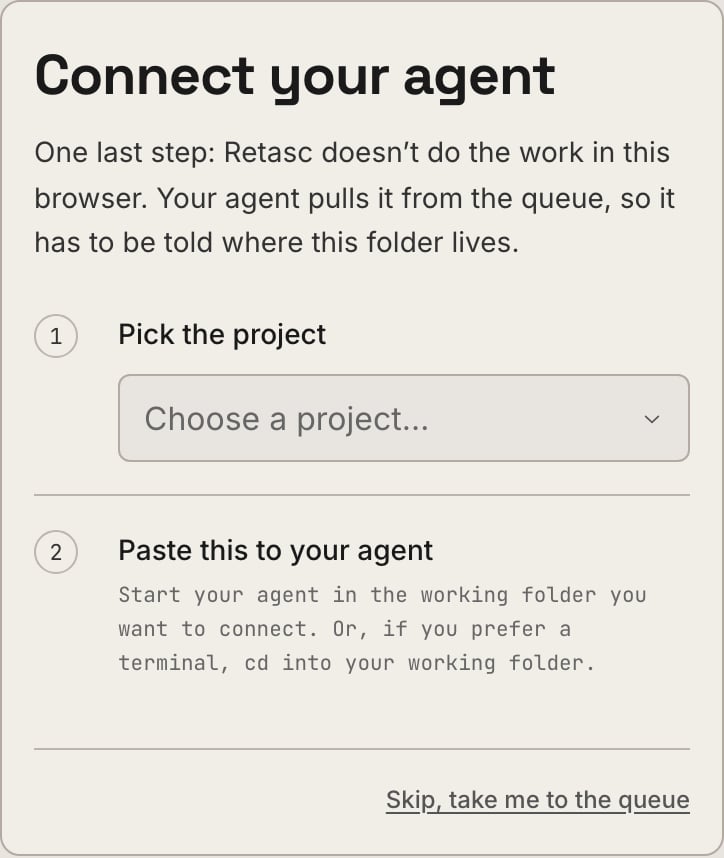
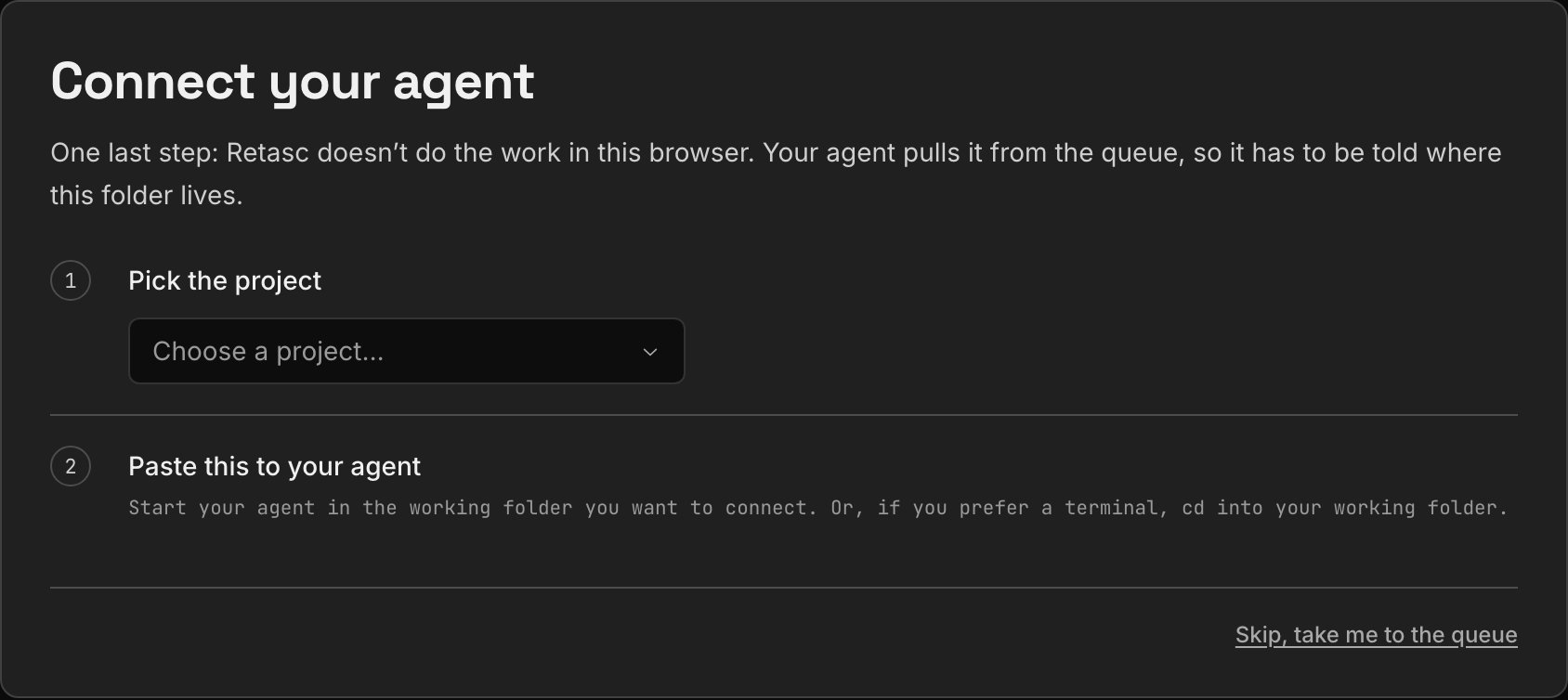
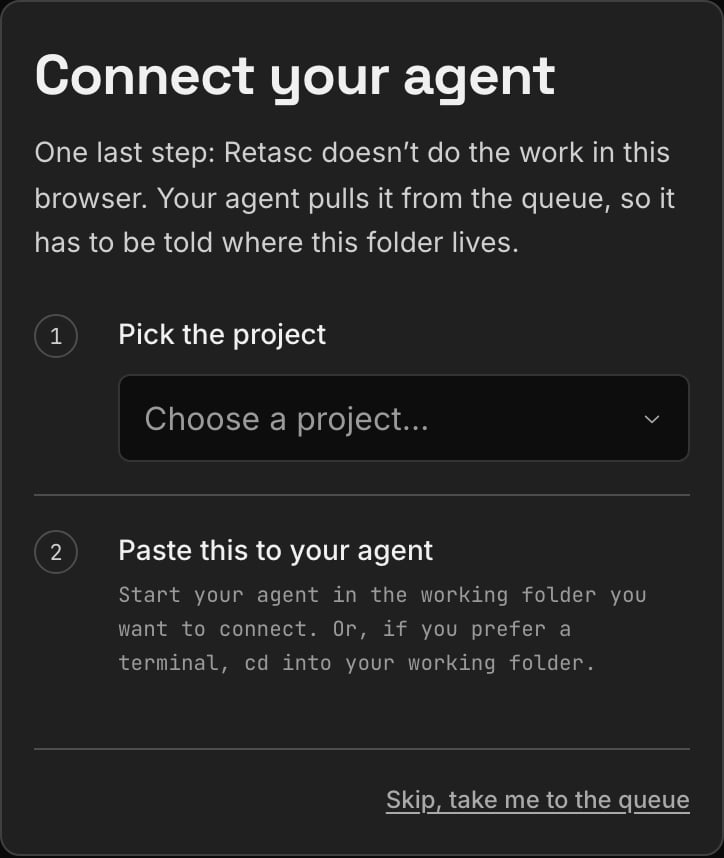
### Connect your agent, the one non-click step
Copy a block from the Dash and paste it to your agent, and it does the rest: reads
its own folder path, runs the setup, restarts itself, and reports back.
The one non-click step, below.
### Connect your agent, the one non-click step
Copy a block from the Dash and paste it to your agent, and it does the rest: reads
its own folder path, runs the setup, restarts itself, and reports back.
 ```text theme={"system"}
Set Retasc up in the folder you're working in, so you can pull work from my queue.
First tell me its full path, and wait for me to say go.
Then run exactly this:
npx @retasc/cli bind --setup rtscsetup_7ka92m
If Node 18 or newer isn't installed, install it. Prefer a way that doesn't need
admin rights. Only ask me if there's no other option.
When it's done, restart yourself so the Retasc tools load, then check my queue
and tell me what you find.
```
**Why this, and not a raw command.** The code dies in ten minutes and needs no
sign-in on the agent's end, since the Dash session already proved who you are. The
agent states which folder it's in before touching anything, so setting up the
wrong one is no longer invisible.
## Inviting your team
Owners mint single-use codes. From the Dashboard, open **Team → New invite**, pick an
expiry, and copy the code, it's shown once.
Or from the CLI:
```bash theme={"system"}
retasc members invite --org-id [--expires-days 1-30]
```
```
✓ Invite code: rtscinv_3f9c1a7e0b4d82615c8f3a9e17d0b62c4a85f931e7c0d248
Expires 2026-07-27. Single-use, shown once.
Share it; they run: retasc login && retasc join rtscinv_3f9c1a7e0b4d82615c8f3a9e17d0b62c4a85f931e7c0d248
```
Manage invites with `retasc members list --org-id ` (status: pending,
accepted, revoked, expired) and `retasc members revoke --invite-id `.
Invites add **humans**. To add an **agent**, run `retasc bind` (or `retasc key
mint`) in the folder that agent works from, the key is what carries org identity,
not a person.
Everyone joins as `member`. If someone should run day-to-day ops without waiting on
you, an owner promotes them to `admin` from the Dashboard's **Team** tab, **Make
admin**. That's Dash-only; there's no CLI command for it. See [what admin can do](/onboarding-member#what-you-can-do).
Whoever redeems it wants [Onboarding: joining a team](/onboarding-member), not this
page.
## Next steps
What your invited teammates see, and what they can do once they're in.
What's metered, the rate card, and what happens when credit runs out.
This documentation is built and hosted on [Mintlify](https://mintlify.com), a developer documentation platform.
```text theme={"system"}
Set Retasc up in the folder you're working in, so you can pull work from my queue.
First tell me its full path, and wait for me to say go.
Then run exactly this:
npx @retasc/cli bind --setup rtscsetup_7ka92m
If Node 18 or newer isn't installed, install it. Prefer a way that doesn't need
admin rights. Only ask me if there's no other option.
When it's done, restart yourself so the Retasc tools load, then check my queue
and tell me what you find.
```
**Why this, and not a raw command.** The code dies in ten minutes and needs no
sign-in on the agent's end, since the Dash session already proved who you are. The
agent states which folder it's in before touching anything, so setting up the
wrong one is no longer invisible.
## Inviting your team
Owners mint single-use codes. From the Dashboard, open **Team → New invite**, pick an
expiry, and copy the code, it's shown once.
Or from the CLI:
```bash theme={"system"}
retasc members invite --org-id [--expires-days 1-30]
```
```
✓ Invite code: rtscinv_3f9c1a7e0b4d82615c8f3a9e17d0b62c4a85f931e7c0d248
Expires 2026-07-27. Single-use, shown once.
Share it; they run: retasc login && retasc join rtscinv_3f9c1a7e0b4d82615c8f3a9e17d0b62c4a85f931e7c0d248
```
Manage invites with `retasc members list --org-id ` (status: pending,
accepted, revoked, expired) and `retasc members revoke --invite-id `.
Invites add **humans**. To add an **agent**, run `retasc bind` (or `retasc key
mint`) in the folder that agent works from, the key is what carries org identity,
not a person.
Everyone joins as `member`. If someone should run day-to-day ops without waiting on
you, an owner promotes them to `admin` from the Dashboard's **Team** tab, **Make
admin**. That's Dash-only; there's no CLI command for it. See [what admin can do](/onboarding-member#what-you-can-do).
Whoever redeems it wants [Onboarding: joining a team](/onboarding-member), not this
page.
## Next steps
What your invited teammates see, and what they can do once they're in.
What's metered, the rate card, and what happens when credit runs out.
This documentation is built and hosted on [Mintlify](https://mintlify.com), a developer documentation platform.